
Wolf Installation guide · 4 min read
Wolf Panel-Ready Warming Drawer: Custom Front, Fit and Setup Checks
How a Wolf panel-ready warming drawer takes a custom front: opening and panel prep, power, an 85-200°F first test, and the install slips behind error 60.
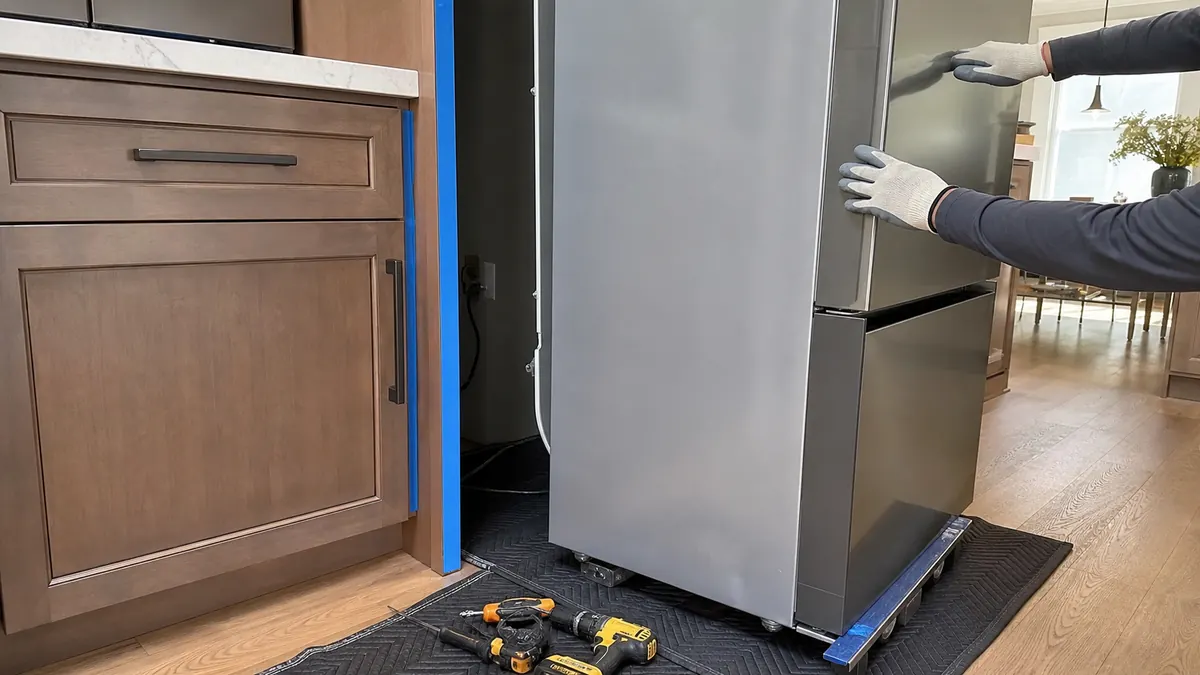
A Wolf panel-ready warming drawer is a WWD-series warming drawer built to take a custom cabinet front, so it reads as one more drawer instead of a stainless appliance. Getting it right takes a level opening, a panel light and true enough that the drawer still glides, and a cool install pocket, because the drawer shows error 60 once it reaches 250°F.
Below are the owner-side Wolf checks before and after the panel goes on.
What does panel ready mean on a Wolf warming drawer?
Wolf model numbers starting with WWD identify warming drawers, and a panel-ready version arrives without a finished face, ready for a front matching the millwork. The custom panel is cosmetic but adds weight to the moving front.
That option suits Petaluma's Old Town and D Street blocks, the densest cluster of Victorian homes in Sonoma County, where Brainerd Jones-era kitchens often get period-style cabinetry. Before ordering the panel, record the Wolf model and serial from the tag on the left front floor area of the inner cabinet, visible with the drawer open.
How should the opening and the custom panel be prepared?
The Wolf installation guide for your model lists the cutout dimensions, panel size and maximum panel weight. Floors in older Petaluma houses are rarely flat, so shim until the Wolf cabinet space is level and square.
Build the Wolf drawer panel from stable, flat stock within the stated weight. A warped or heavy front loads the slides unevenly, and the drawer is meant to carry under 60 lb (27 kg) of contents to glide smoothly. Plan even reveals around the countertop and oven trim, and use the screw length the guide specifies so none pokes through the panel face.
Does the drawer need water, special power or venting?
A Wolf warming drawer needs no water line or drain. Excess condensation is handled by pouring liquid from the drawer pan, covering food with a lid or foil, and choosing a lower setting.
Put the grounded outlet where the Wolf installation guide shows, on the circuit it specifies, so the cord never pinches. Error 60 means the Wolf drawer hit 250°F, so check for extremely hot surroundings, including direct sun on outdoor installs, confirm the installation, then reset the breaker for 30 seconds.
How do you test a Wolf warming drawer after installation?
If the Wolf display shows PF, its power-failure message, press Power On/Off to reset it. Then step through the presets: Proof 85°F (30°C), Low 120°F (50°C), Med 160°F (70°C) and High 200°F (95°C), and confirm the panel closes without rubbing.
The Wolf warming drawer flashes HOT when it runs more than 10°F above the set point, rechecking every 20 seconds; HOT lasting over five minutes means stop using it until repaired. Shutting off after four hours is normal unless the timer is set from one minute to 24 hours.
Installation slips that turn into service calls
Drawer drags: usually a heavy, off-center panel or an overload. Fully extend and close the Wolf warming drawer to realign it, keep food under 60 lb, and balance the load; persistent drag needs a technician.
Error 50: the Wolf door switch reads closed while the touch pad is in use or at start-up. Clear anything blocking the drawer, such as a panel edge catching trim, close it firmly and turn it on; the RE diagnostic reset clears the code.
Error 10: an incorrect checksum in the Wolf control. Turn the breaker off for 30 seconds, then on, and retest. A returning code needs a technician; the $169 diagnostic fee is credited toward an approved repair on the same unit.
FAQ
Questions & answers
Is the Wolf warming drawer panel ready option a different appliance?
No, a panel-ready unit is still a full Wolf warming drawer with its own element, controls and slides; only the front is left open for a custom panel.
Can a panel-ready Wolf warming drawer go under a wall oven?
Yes, Wolf warming drawers are commonly installed below wall ovens when the guide's opening and support requirements are met.
How do I switch a Wolf warming drawer to Celsius?
With the Wolf drawer off, touch and hold the Temp Up and Down arrows for 5 seconds, choose Celsius with the arrows, then touch Power On/Off. If it needs a pro, Petaluma Sub-Zero Repair is at (628) 209-6820.
Go deeper
More Petaluma guides
Cove Dishwasher Cost: What Drives a Repair Bill in Petaluma
Cove dishwasher cost in Petaluma starts with a $169 diagnostic credited to an approved repair. See how parts, labor and cabinet access shape the bill.
Read the guide → Door alignment · 5 minWhy Your Sub-Zero Door Won't Stay Shut: A Petaluma Alignment Guide
Why a Sub-Zero door won't stay shut in Petaluma: worn hinge cartridges, cabinet settling in older West-Side homes, and how alignment breaks the gasket seal.
Read the guide → Model and Serial Decoding · 5 minHow Old Is My Sub-Zero? Decoding Your Model and Serial Number in Petaluma
Inherited a built-in Sub-Zero in a Petaluma home? Learn to read the model and serial number to date it, check parts, and decide whether to keep it.
Read the guide →Rather leave it to a specialist?
Have the failing compartment and model number ready, and you will get a real first opinion — not a sales pitch.
| Overheat code | Error 60 means the drawer reached 250°F; check sun or heat around the install |
|---|---|
| Smooth-slide load | Keep contents under 60 lb (27 kg), evenly balanced |
| Preset span | Proof 85°F to High 200°F; auto-off after four hours unless the timer is set |
| Power-cycle reset | Breaker off for 30 seconds for error 10 or error 60 |
| Same-day service | Petaluma Sub-Zero Repair — (628) 209-6820 |
Need this handled? Historic-Home Sub-Zero Service in Petaluma · Cabinet-Safe Sub-Zero Service in Petaluma